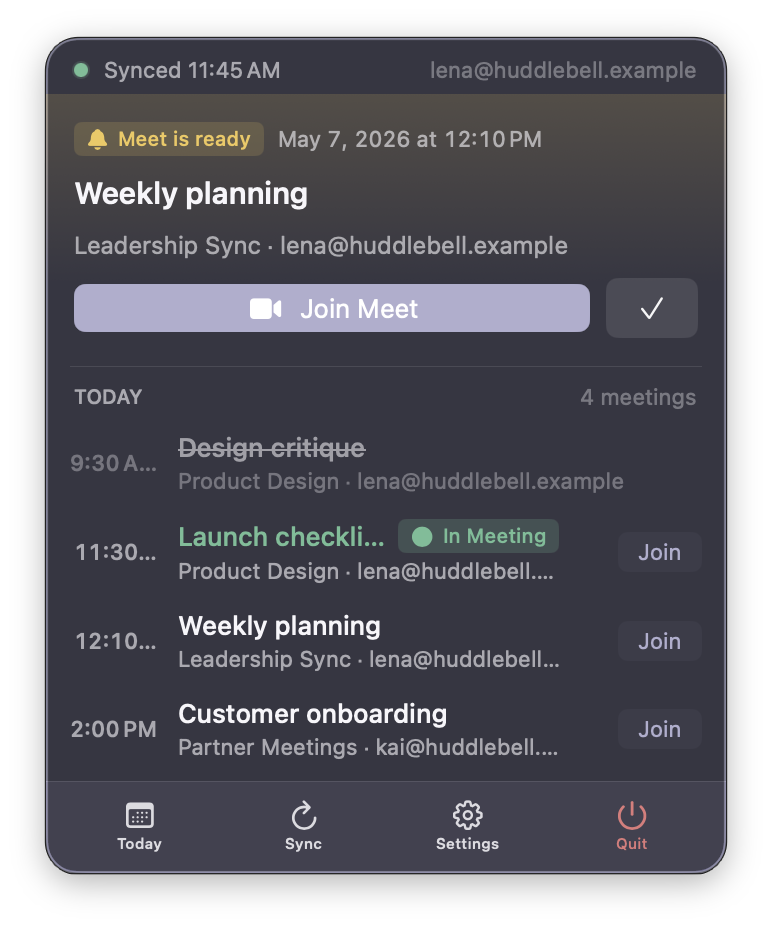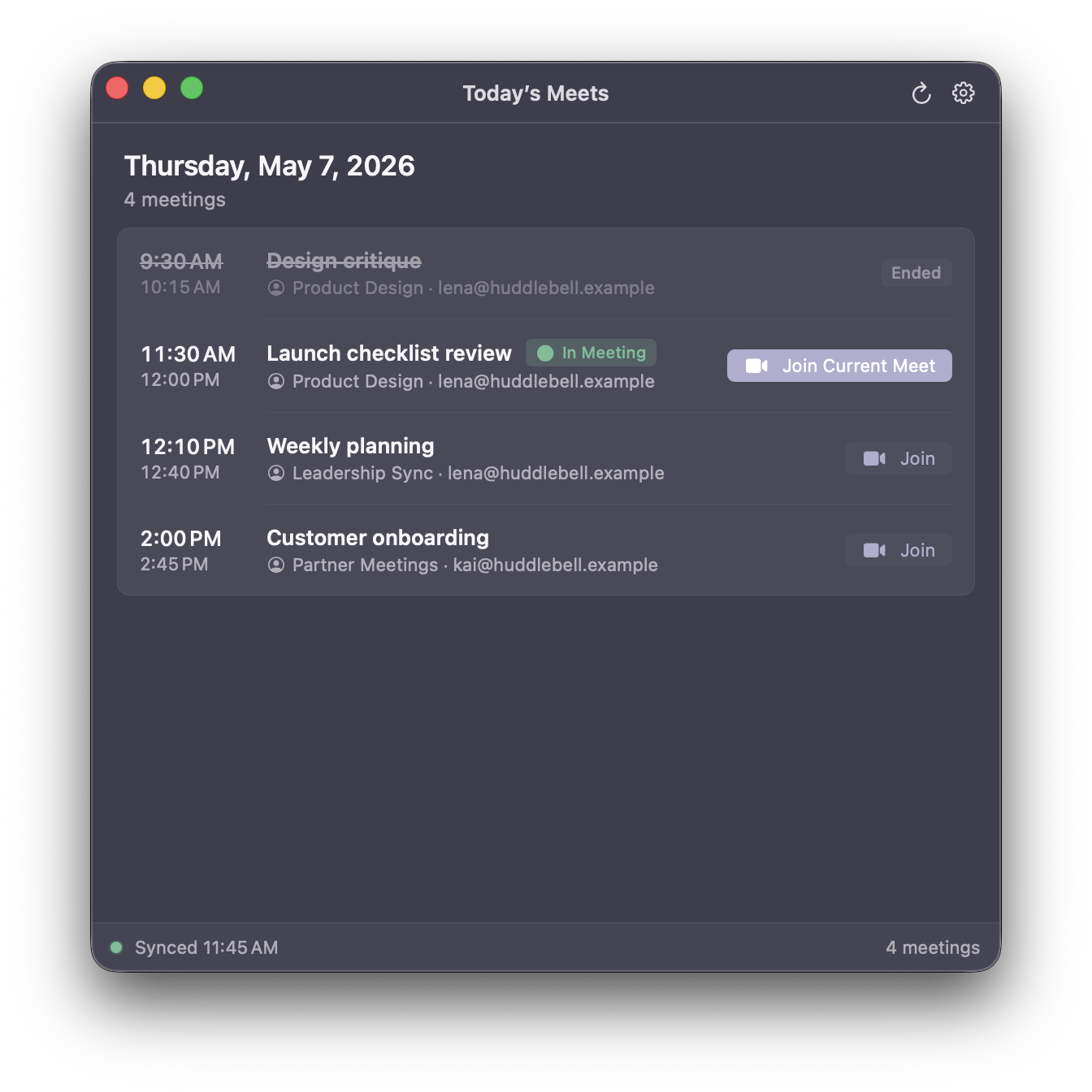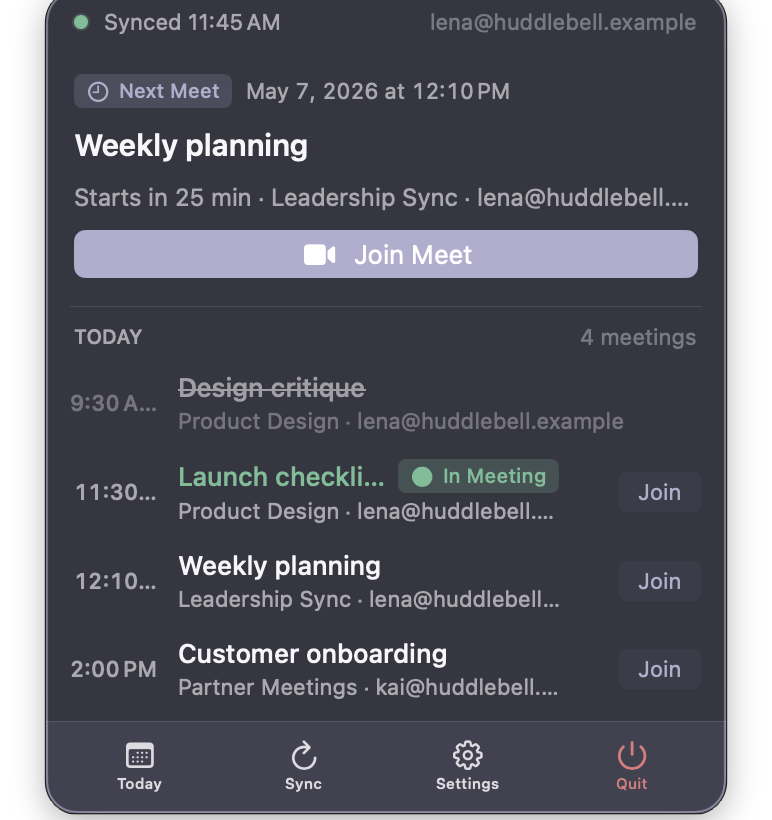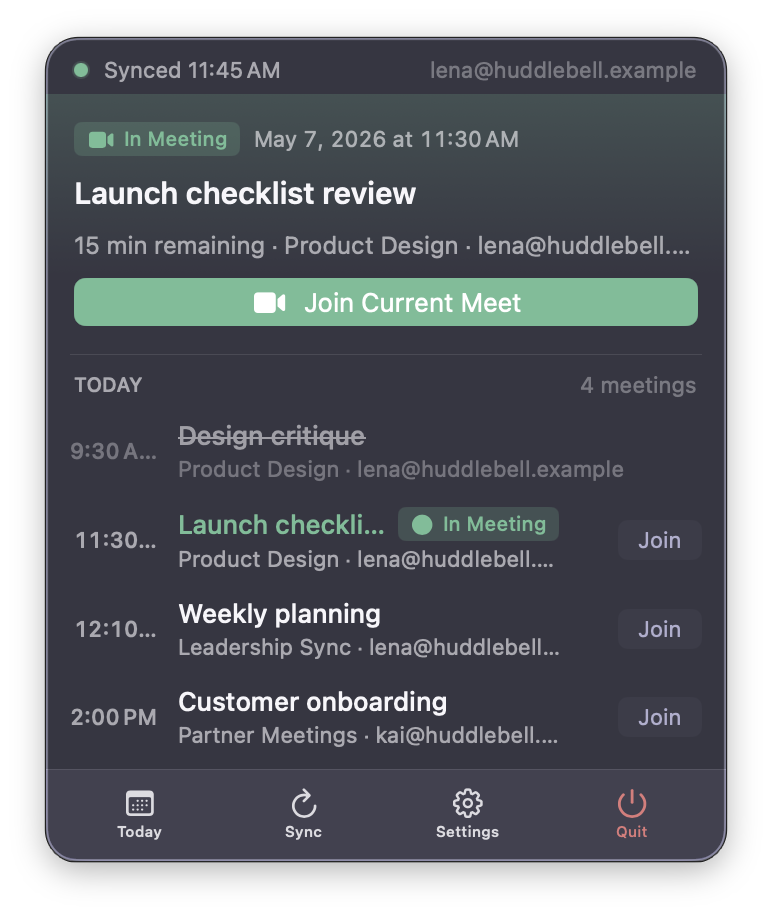
HuddleBell keeps today's Google Meet schedule in your macOS menu bar, with timely reminders and a safer join flow through Google's account chooser.
No dashboards, no notifications stacking up. Just today's meetings — exactly when you need them.
Lives in the macOS menu bar. One click opens today's schedule, with the full day available when you need it.
Just today. The next Meet is always one glance away — past meetings dim, the current one stands out.
When a Meet is starting or in progress, the popover surfaces a join path. It opens through Google's account chooser to reduce wrong-account joins.
Add personal and work calendars side-by-side. HuddleBell merges them into a single timeline.
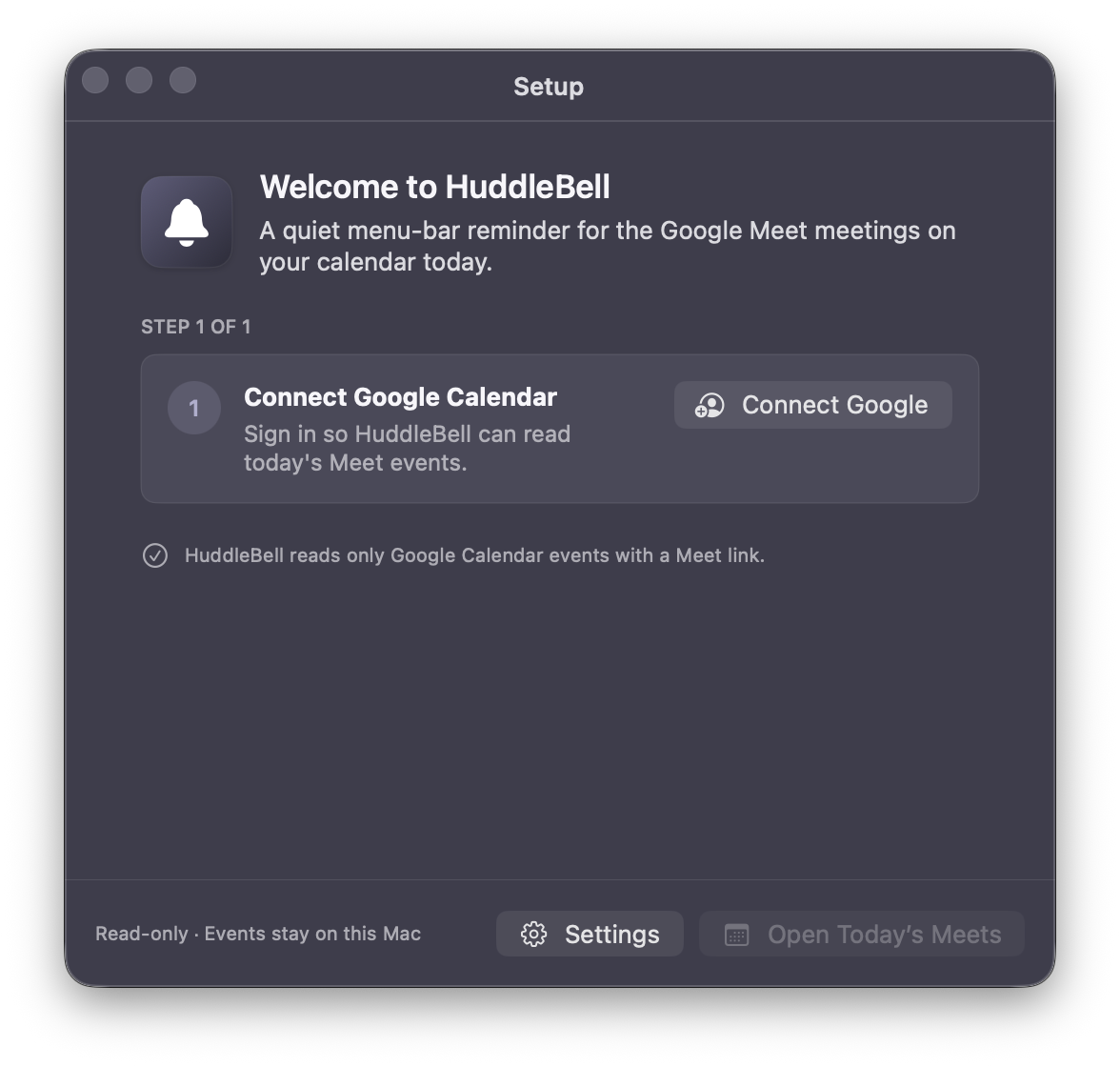
HuddleBell only reads your events. It cannot create, edit, or delete anything on your calendar.
Calendar data is used locally on your Mac. OAuth tokens go in the macOS Keychain. No analytics or ads.
HuddleBell only ever shows the surface you need at the moment — the popover for a glance, the window when you want the whole day.
Past meetings fade. The current meeting lifts. The join path is visible, without hunting through tabs.

"Starts in 25 min." That's the whole greeting.

A soft "Meet is ready" cue when you can join.

Late, distracted, kicked off Wi-Fi — one click puts you back in the room.

Connect a Google Calendar. That's it. HuddleBell explains what it can and can't see, in plain words.

HuddleBell asks for the smallest slice of access it can. Your calendar stays yours; your day stays on your Mac. Read the full privacy policy.
HuddleBell requests Google Calendar read-only access and email address access for connected account identification. It cannot create, edit, or delete events.
Your Google sign-in tokens are stored in the system Keychain — same place macOS keeps Wi-Fi passwords and Apple Mail credentials.
Calendar data is fetched directly from Google and used locally on your Mac. HuddleBell does not operate a server-side calendar database.
HuddleBell doesn't include analytics SDKs or advertising frameworks. Its calendar sync traffic goes directly to Google APIs.
HuddleBell is currently available as a signed and notarized public beta for macOS. Download the latest build and move it to your Applications folder.
Core features are available, and HuddleBell is still being improved based on real user feedback.
HuddleBell is Developer ID signed and Apple notarized. Some browsers may warn about a new download until the file has more reputation.